Contact Person: Mr.Li
Mobile: +86-18509252400
Wechat: 18509252400
Email: info@mudsolidscontrol.com
Address: No.2 Huochang Road, Yangling District,Xianyang City, Shaanxi Province, China
Poor installation and incorrect tensioning are common causes of shale shaker screen tearing and premature screen failure. Worn deck supports, abnormal shaker vibration, uneven feed, and repeated impact from large cuttings can also damage a screen.
The location of the tear often helps narrow down the cause. Damage around the edges, near the center, or repeatedly at the same deck position points to different parts of the screen or shaker that need attention.
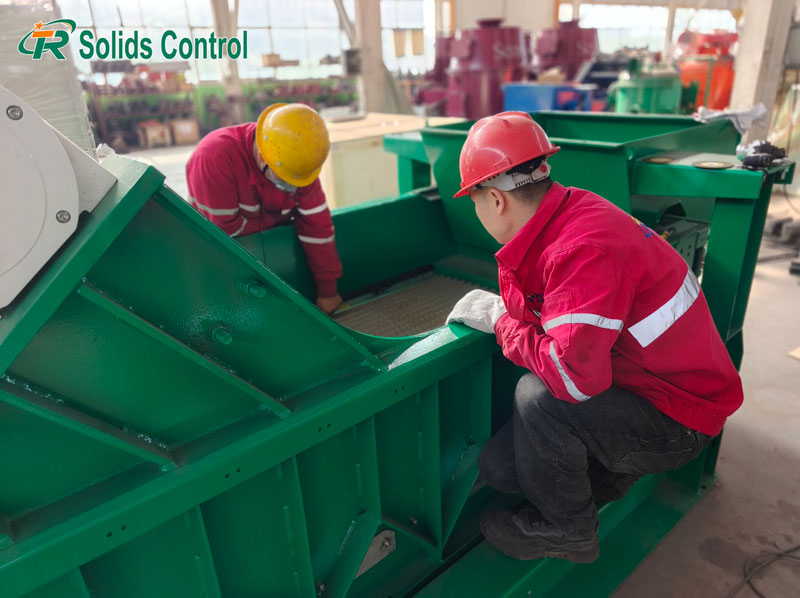
Even when a replacement screen has the correct mesh specification, incorrect fitting can cause premature damage.
The screen must sit evenly on the deck, with all retaining components properly secured. Any loose or unsupported section can move against the deck during operation.
Common fitting problems include:
The screen is not properly seated against the tension rails or other designated supports.
One edge is not fully engaged with the retaining components.
Cuttings or other debris remain trapped beneath the screen.
The panel is forced into position because its dimensions or frame design do not match the shaker.
Forcing a screen into an incompatible mounting arrangement can damage the frame or retention area before the shaker starts.
Screens that look similar are not necessarily interchangeable.
Different shale shaker models may use different panel dimensions, frame structures, edge profiles, and retention systems. A panel that does not match the deck may fit poorly or fail to stay in position under vibration.
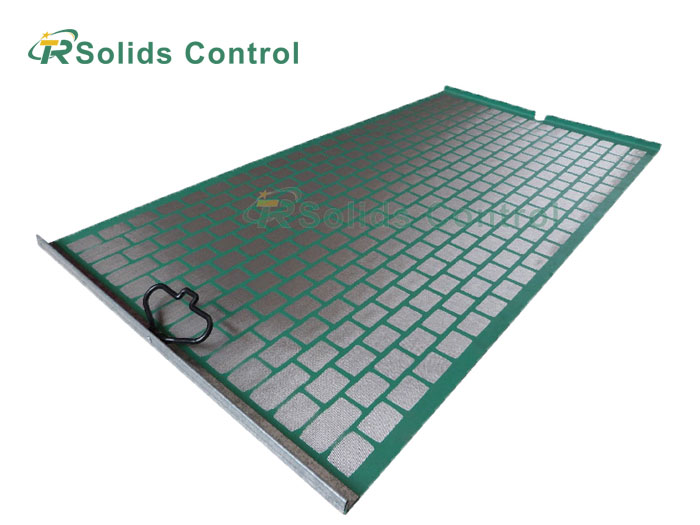
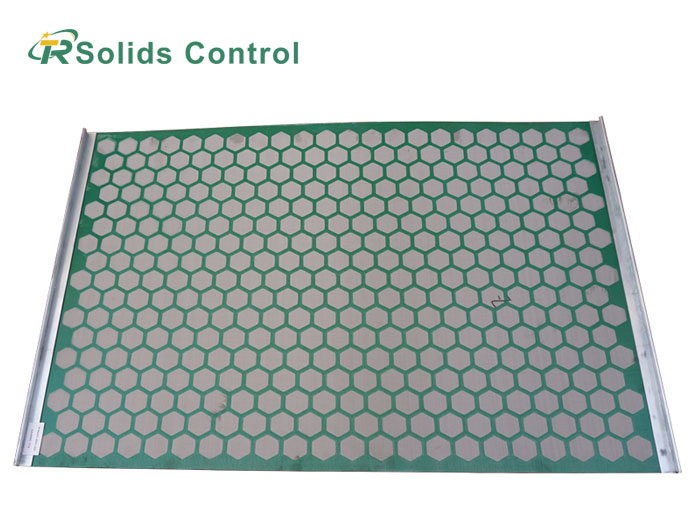
Screen construction also determines how the panel is secured. Pre-tensioned screen panels are tensioned during manufacture and secured to the shaker deck through their frame and retention system. Hook strip screens are tensioned on the shaker using the system specified for that model. These two types should not be treated as interchangeable.
When ordering replacement screens, confirm the shaker model, panel dimensions, frame design, and retention system, not just the mesh size.
Tensioning requirements vary by shaker model and screen type. Too little, too much, or uneven tension can damage the panel.
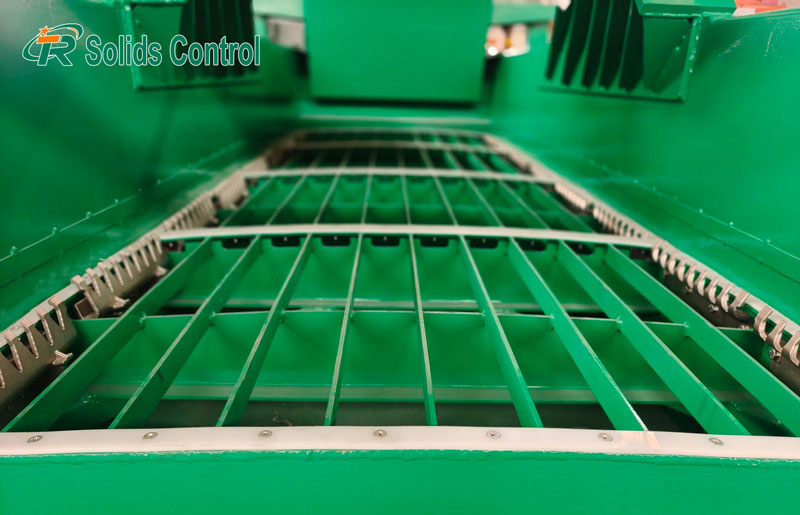
If a screen is not tensioned enough, it may loosen during operation and rub against the deck supports. Repeated rubbing wears down the screen and can eventually tear the mesh.
If the screen loosens again soon after installation, inspect the tension bolts and retaining components. Check for wear, damage, or incorrect panel seating before tightening it again.
On adjustable tensioning systems, overtightening increases the load on the frame and clamping points. Excessive tension can distort the frame or damage the screen edges, particularly on panels not designed for on-deck tension adjustment.
Follow the tensioning procedure specified for the shaker model. Extra tightening will not correct a poorly fitted panel or worn retaining components.
A screen may appear secure even when tension is uneven.
If one side is tighter than the other, the panel may not sit evenly across the deck. This can concentrate stress around one side of the frame or specific fixing points.
When tears repeatedly appear along the same edge, compare the tension on both sides and examine the retaining components. One-sided damage alone does not confirm uneven tension, so check the panel seating and fixing arrangement as well.
| Screen damage | Possible causes | What to inspect first |
|---|---|---|
| Edge or tensioning-area tears | Incorrect seating, uneven tensioning, excessive clamping force, or damaged retaining components | Check both sides of the panel, tension bolts, retaining parts, and signs of excessive pressure around the frame. |
| Tears in the central screen area | Damaged or uneven deck supports, or repeated impact from large cuttings | Examine the deck rubbers and support beneath the damaged area. Look for impact marks or visible mesh damage. |
| Repeated damage at the same deck position | Damaged or uneven deck supports, or abnormal shaker vibration | Compare failed panels and inspect the corresponding support area. Check for abnormal vibration. |
If several replacement screens tear at the same deck location, inspect the corresponding support structure and shaker condition before blaming the replacement panels.
If correctly fitted screens continue to tear, look beyond the panel and examine the shaker itself.
Worn or Damaged Screen Supports
Bent support beams, worn deck rubbers, and loose connections can leave sections of the screen unsupported.
Inspect the deck rubbers for cracks, missing sections, or uneven wear. Check the support beams and connections as well, particularly beneath areas where screens repeatedly tear.
A damaged support directly beneath a recurring tear deserves close attention.
Abnormal Shaker Vibration
Loose motor mounts, motor faults, and incorrect eccentric weight settings can cause abnormal shaker motion.
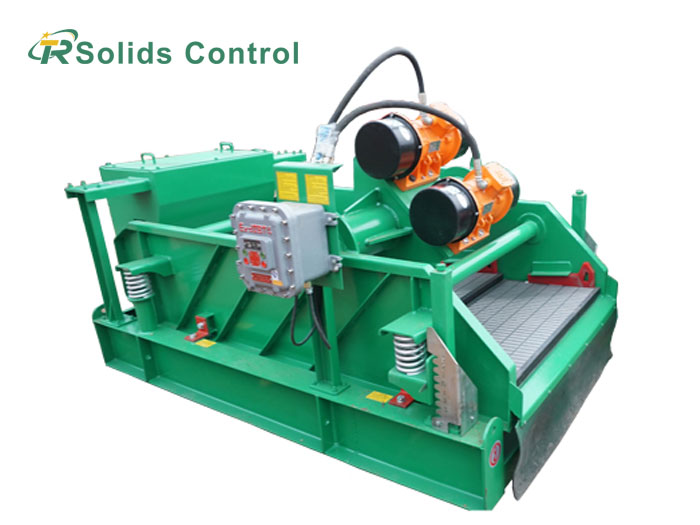
Inspect the vibration motors and their mounting connections. Check adjustable eccentric weight settings against the manufacturer's specifications. For dual-motor shakers, verify that both motors run in the specified synchronization for that model.
Unusual movement or noise may indicate a mechanical problem. Increasing screen tension will not correct abnormal vibration elsewhere in the equipment.
Impact from Large Cuttings and Coarse Solids
Large cuttings can repeatedly strike the same area of the screen, even with relatively even feed distribution. Over time, these impacts can damage the mesh and its supporting structure.
Check whether oversized cuttings are reaching the screen and look for impact marks around the damaged area. Inspect the support underneath as well to distinguish impact damage from wear caused by inadequate support.
Uneven Feed Distribution
When drilling fluid and cuttings enter mainly through one section of the screen, the incoming load is concentrated in that area.
Examine the feed box and distribution arrangement. Look for mud and cuttings collecting mainly on one side or one section instead of spreading across the deck.
This concentrates the feed load on one section and can accelerate wear, especially where deck support is already poor.
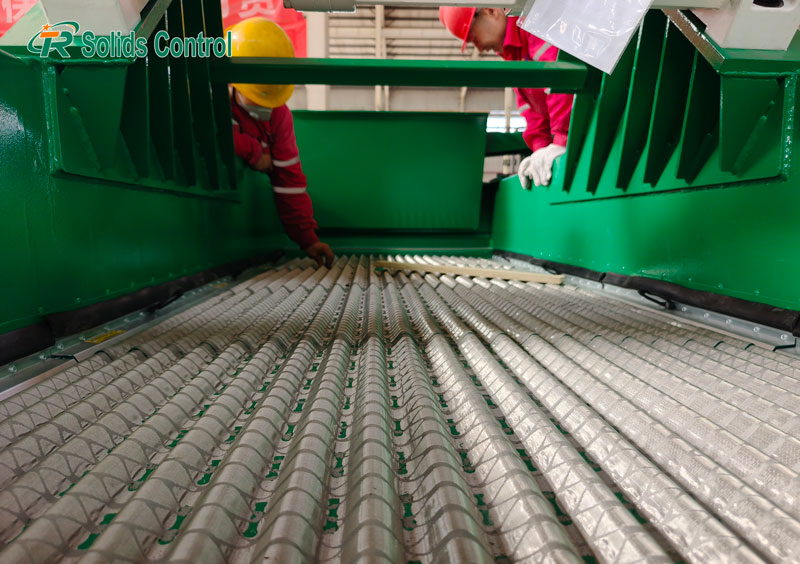
A screen failure can originate from the panel itself, the installation, or the shaker. The following checks help distinguish between these possibilities.
| Possible source | Signs to investigate |
|---|---|
| Installation or tensioning problem | The screen was difficult to fit, did not engage properly with the retention system, or became loose shortly after installation. |
| Screen quality or manufacturing issue | Poor mesh bonding, defective edge sealing, improper mesh-to-frame attachment, or frame distortion. These defects may affect one panel or multiple panels from the same batch. |
| Shaker-related problem | Different replacement screens tear at the same deck position, or damage continues after correct installation and tensioning. |
If an unused screen is available, compare its mesh, frame, and edge sealing with the damaged panel. Also inspect the retaining areas and corresponding deck supports.
When a screen tears, take clear photos of both sides of the panel, the damaged area, and its position on the shaker deck. Include the shaker model, screen panel type, retention system, and operating time before failure. If several panels have failed, record whether the tears occurred at the same deck location.
Before fitting a replacement, confirm that the panel matches the shaker and that the deck supports and retaining components are in good condition. Follow the specified tensioning procedure rather than tightening the screen beyond the manufacturer's requirements.
After restarting the shaker, watch for screen movement, unusual noise, and uneven mud distribution. If tearing starts again in the same area, inspect the corresponding deck support and shaker condition before replacing the panel again.

Address: No.2 Huochang Road, Yangling District,Xianyang City, Shaanxi Province, China
Tel: +86-18509252400
Wechat: 18509252400
Email: info@mudsolidscontrol.com
Contact: Mr.Li
 +86-18509252400